Preparations
In this step, we add the necessary parameters and API Gateway resource definitions to template.yaml, then deploy the SAM stack so that the REST API skeleton is ready before we attach individual HTTP methods in the following sections.
1. Add Parameters to template.yaml
Open template.yaml in the fcj-book-shop folder.
Inside the
Parameters:section, append the four new parameters shown below. These values will be referenced by the API Gateway resources we create next.apiType: Type: String Default: REGIONAL binaryMediaType: Type: String Default: multipart/form-data getOrPostPathPart: Type: String Default: books deletePathPart: Type: String Default: "{id}"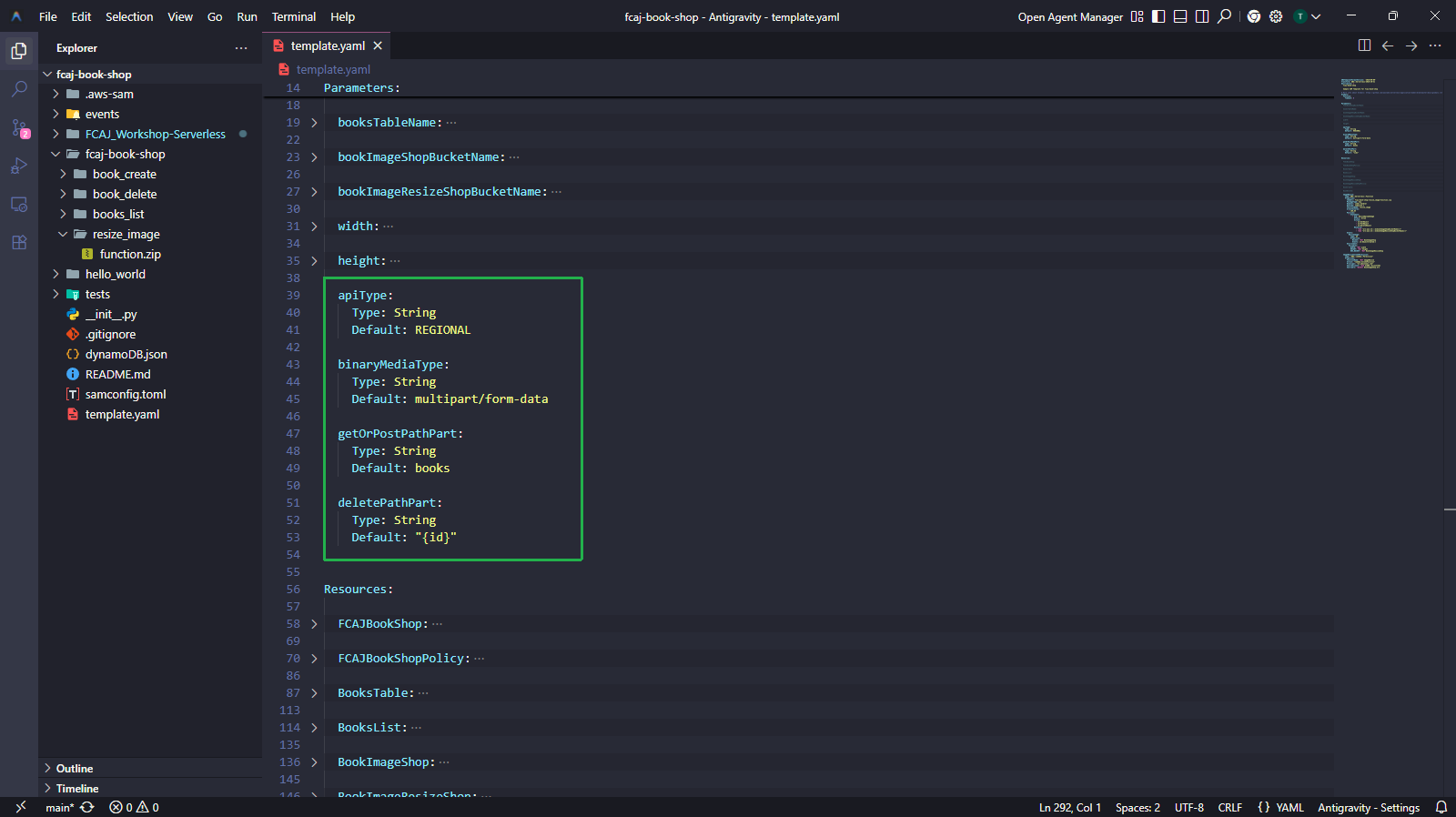
2. Add API Gateway Resources
Inside the
Resources:section (below the existing Lambda and S3 resources), add the following three resources:- BookApi — creates the REST API named
fcj-serverless-apiwith a Regional endpoint andmultipart/form-databinary media type support. - BookApiResource — creates the
/bookspath resource under the API root. - BookDeleteApiResource — creates the
/{id}path resource under/books, used for DELETE operations.
BookApi:
  Type: AWS::ApiGateway::RestApi
  Properties:
    Name: fcj-serverless-api
    EndpointConfiguration:
      Types:
        - !Ref apiType
    BinaryMediaTypes:
      - !Ref binaryMediaType

BookApiResource:
  Type: AWS::ApiGateway::Resource
  Properties:
    RestApiId: !Ref BookApi
    ParentId: !GetAtt BookApi.RootResourceId
    PathPart: !Ref getOrPostPathPart

BookDeleteApiResource:
  Type: AWS::ApiGateway::Resource
  Properties:
    RestApiId: !Ref BookApi
    ParentId: !Ref BookApiResource
    PathPart: !Ref deletePathPart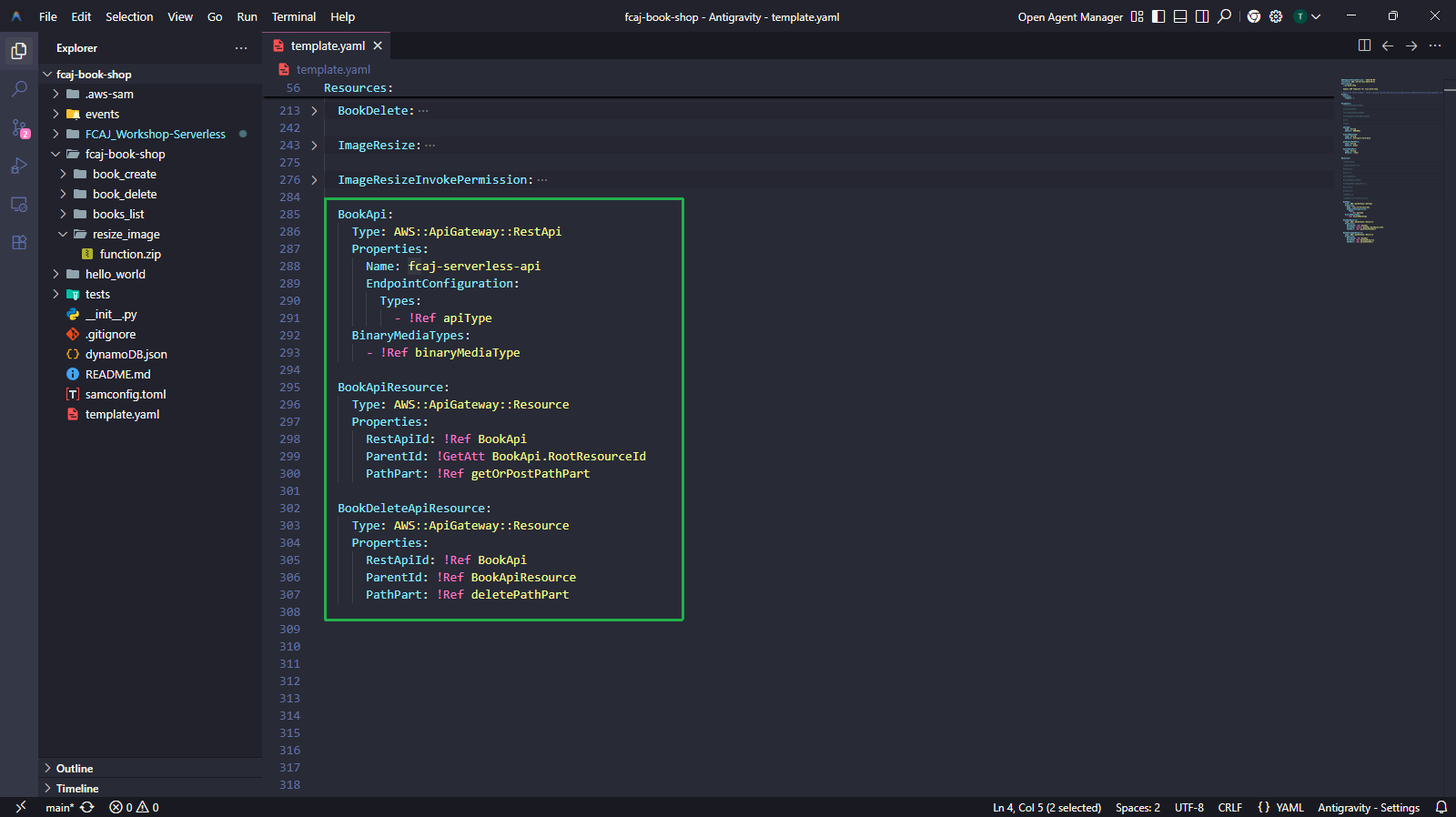
- BookApi — creates the REST API named
3. Build and Deploy
Run the following commands in your terminal to validate, build, and deploy the updated stack:
sam validate
sam build
sam deploy
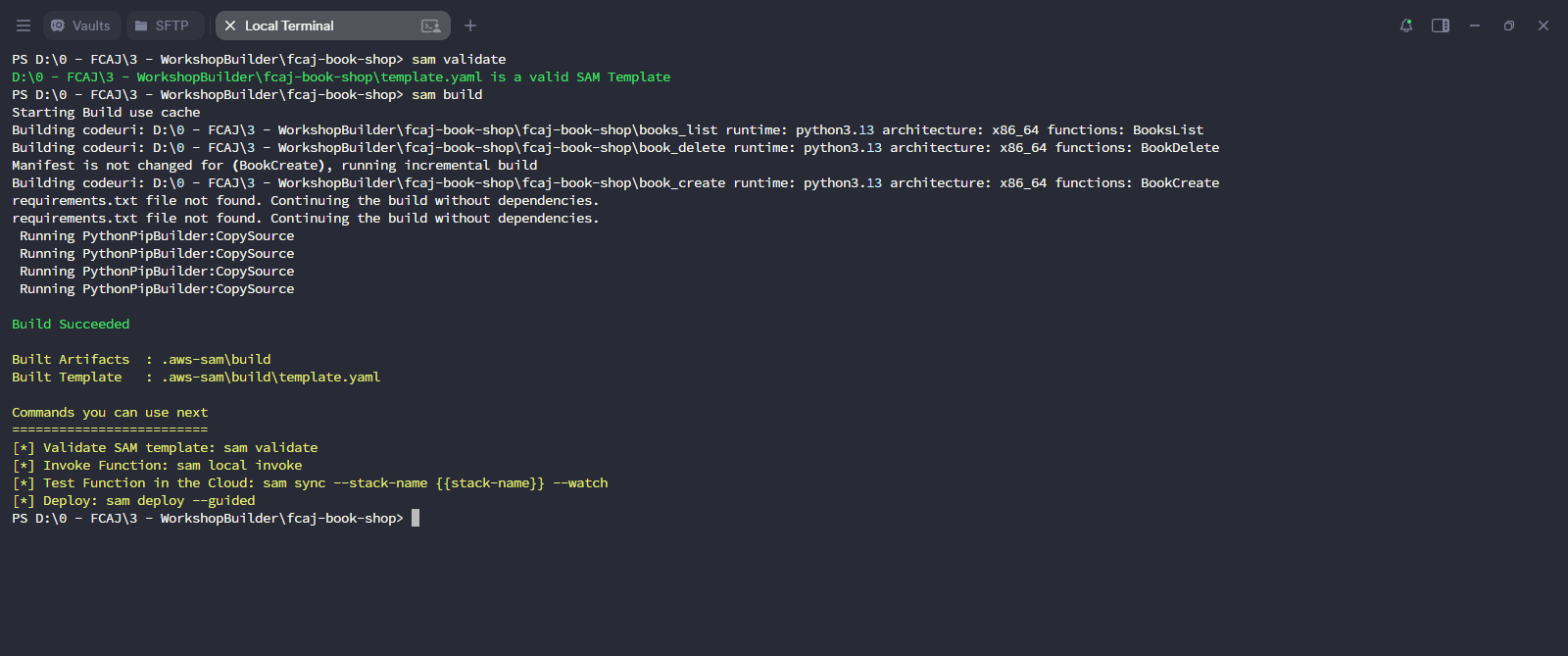
sam validatechecks the template for syntax errors.sam buildpackages the Lambda functions and resolves dependencies.
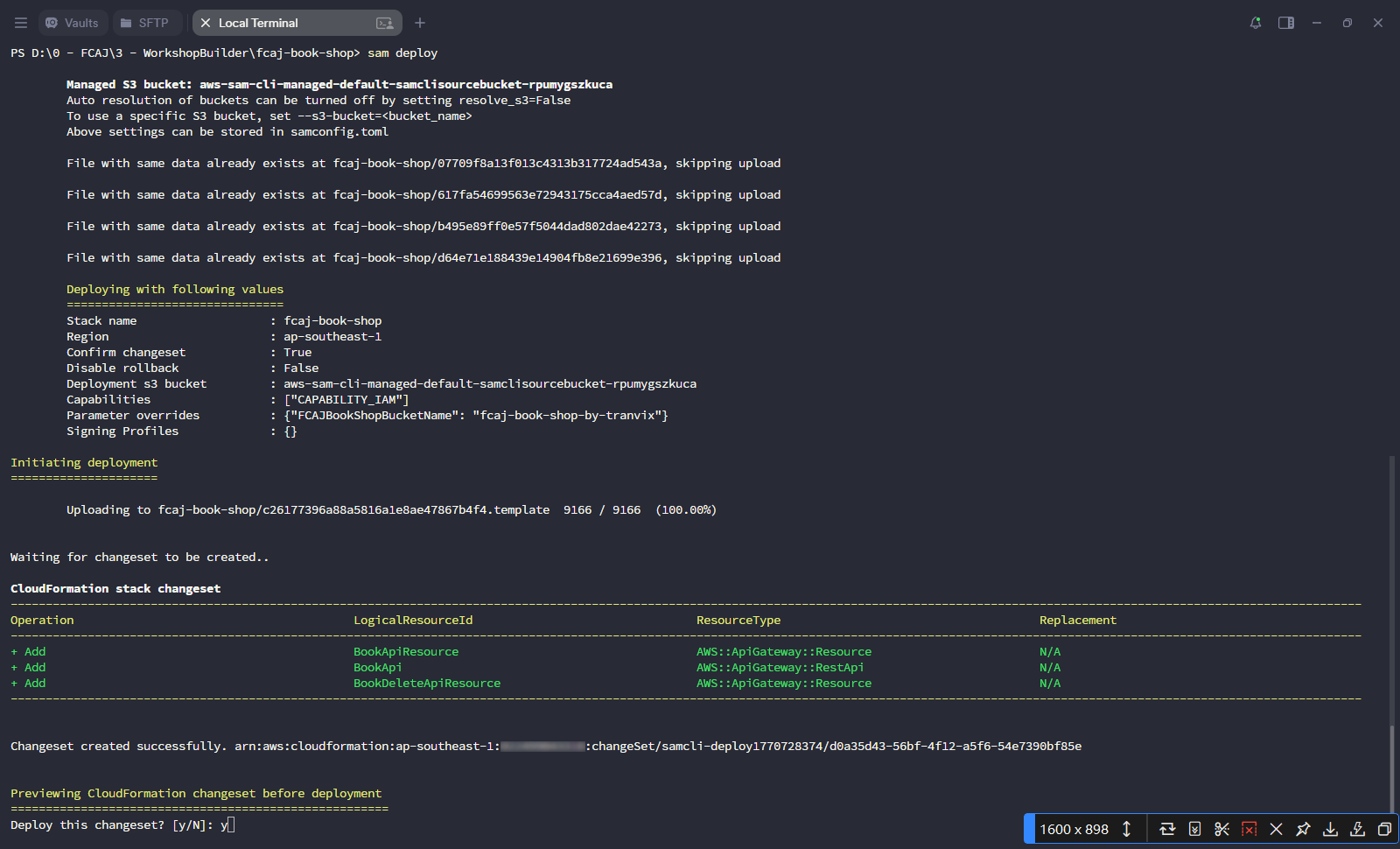
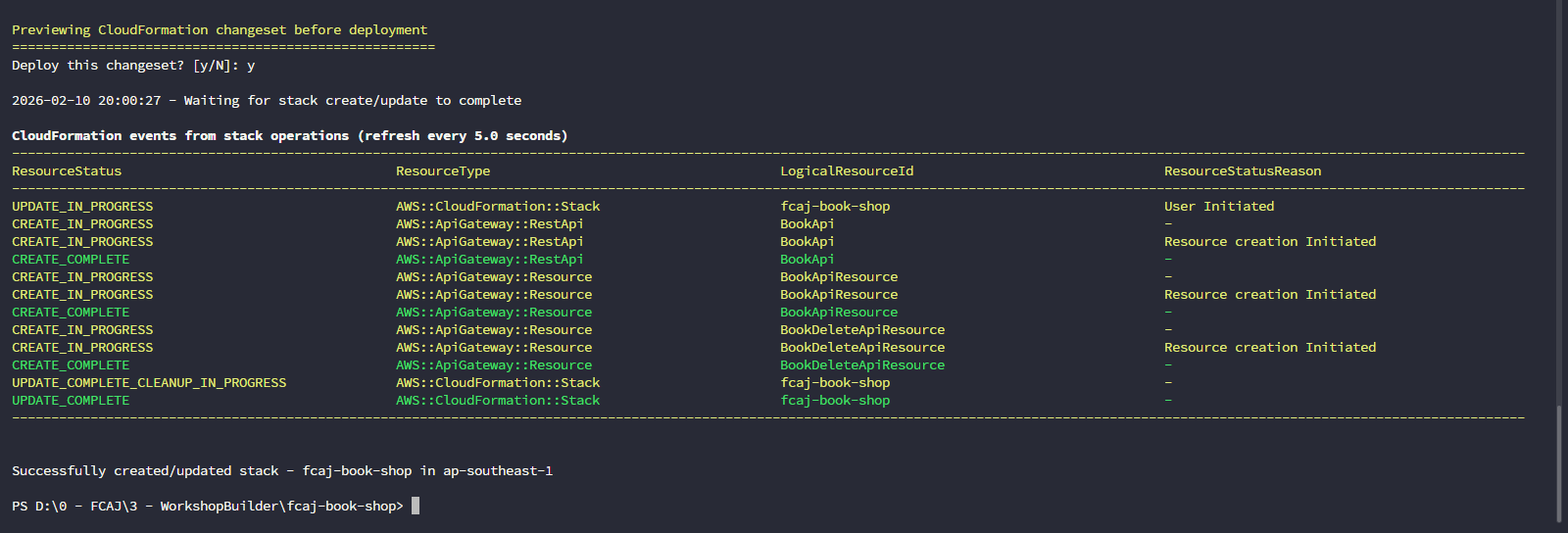
sam deployuploads the template and shows the CloudFormation changeset. Confirm with y when prompted.- The changeset will add three new resources:
BookApi,BookApiResource, andBookDeleteApiResource.
- Wait for the CloudFormation events to reach
UPDATE_COMPLETE. The output should read “Successfully created/updated stack - fcaj-book-shop in ap-southeast-1”.
4. Verify in the API Gateway Console
Open the Amazon API Gateway console.
- You should see fcaj-serverless-api listed as a REST API (Regional endpoint).
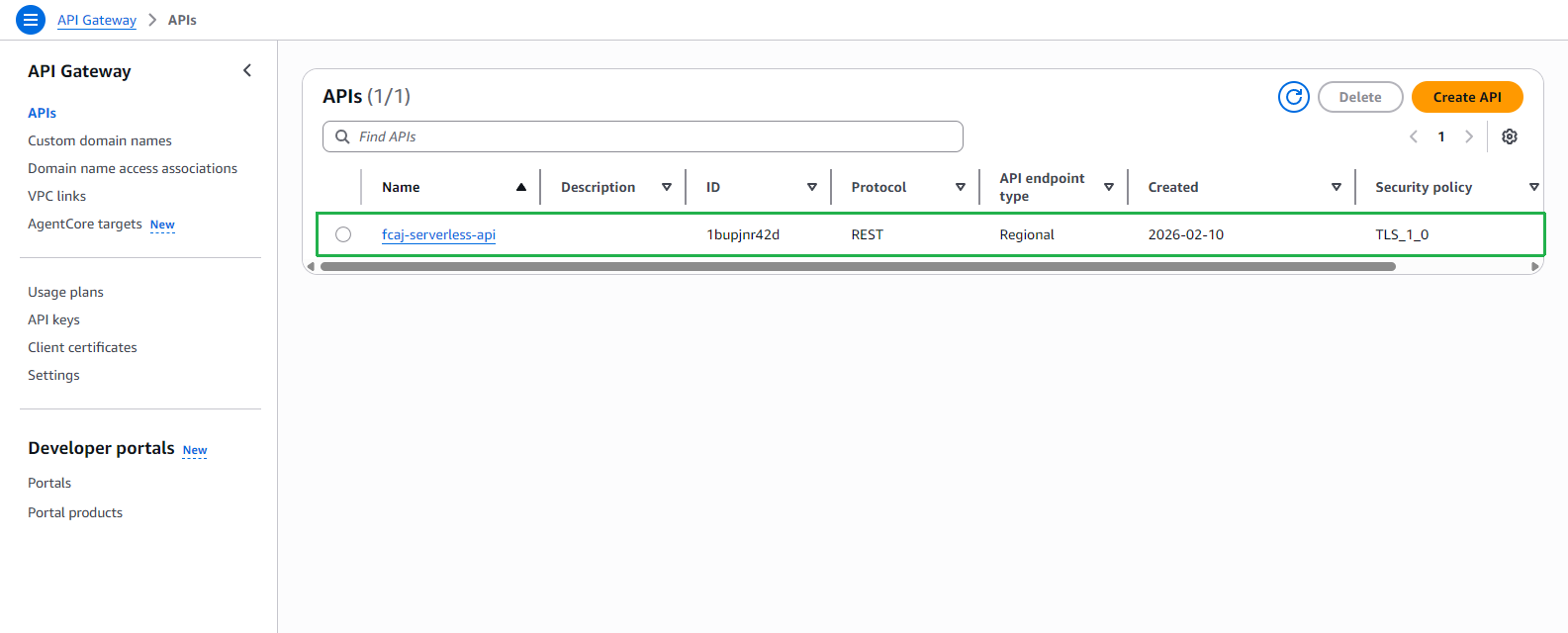
Click fcaj-serverless-api → Resources in the left sidebar.
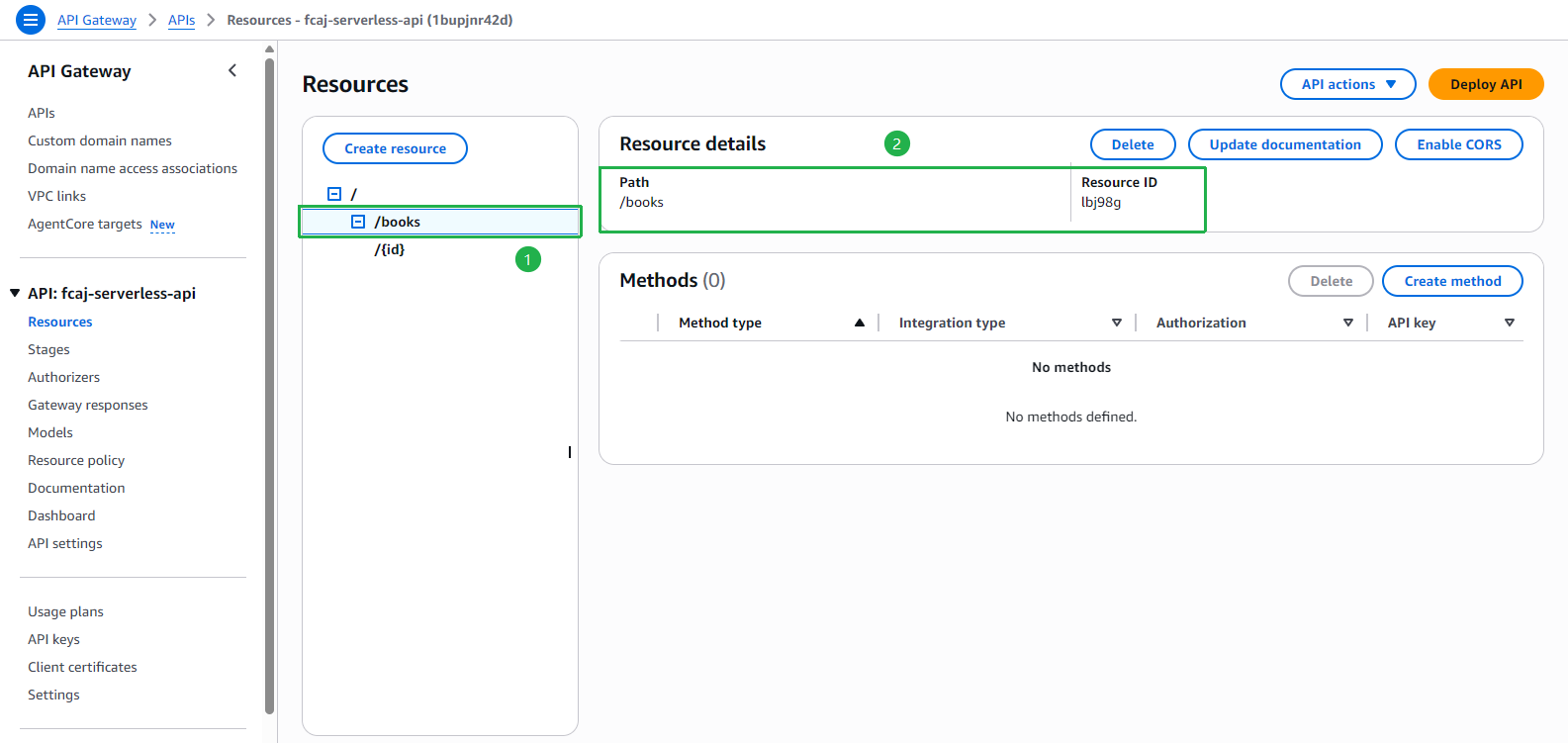
- Select /books in the resource tree.
- Verify the Resource details panel shows
Path: /books.
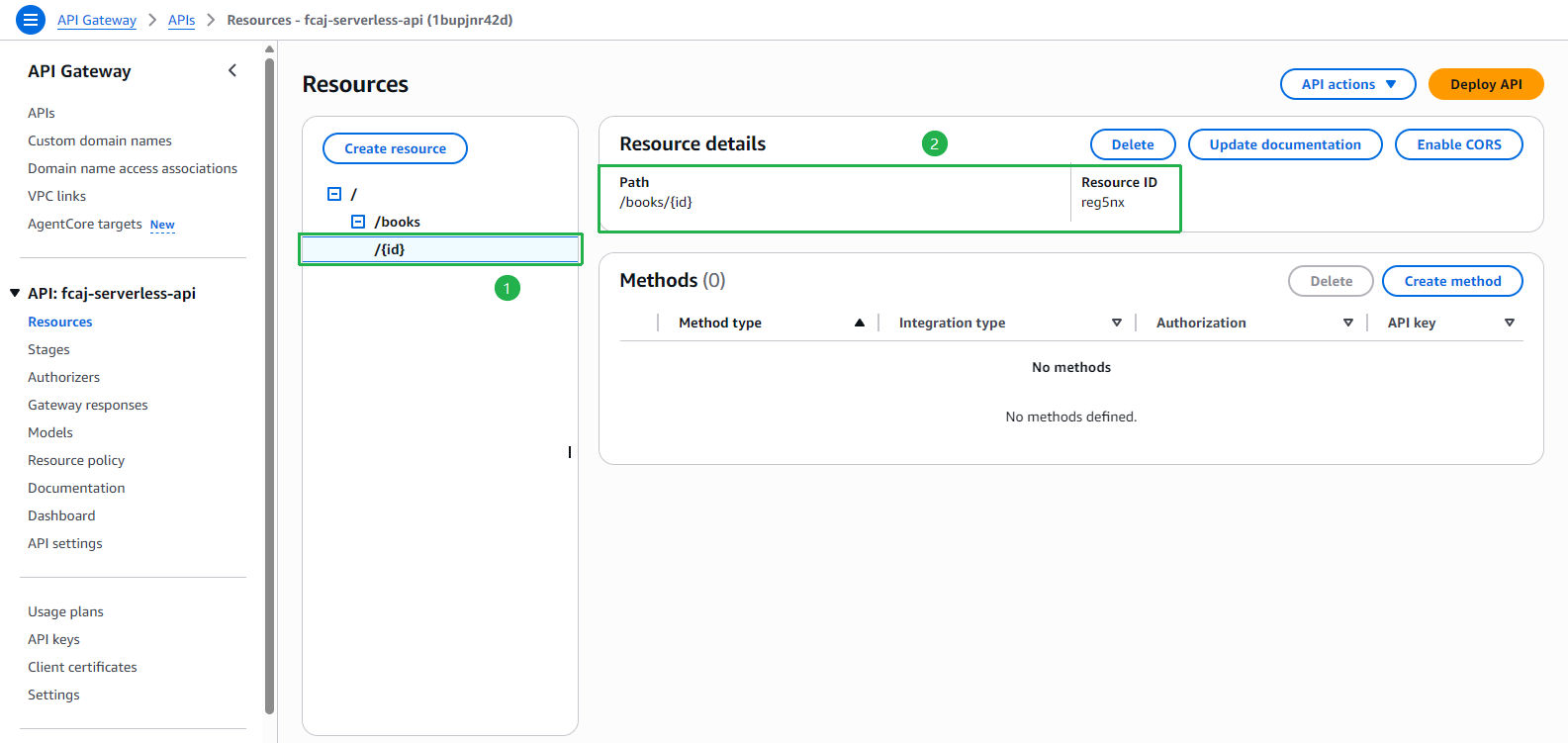
- Select /{id} in the resource tree.
- Verify the Resource details panel shows
Path: /books/{id}.
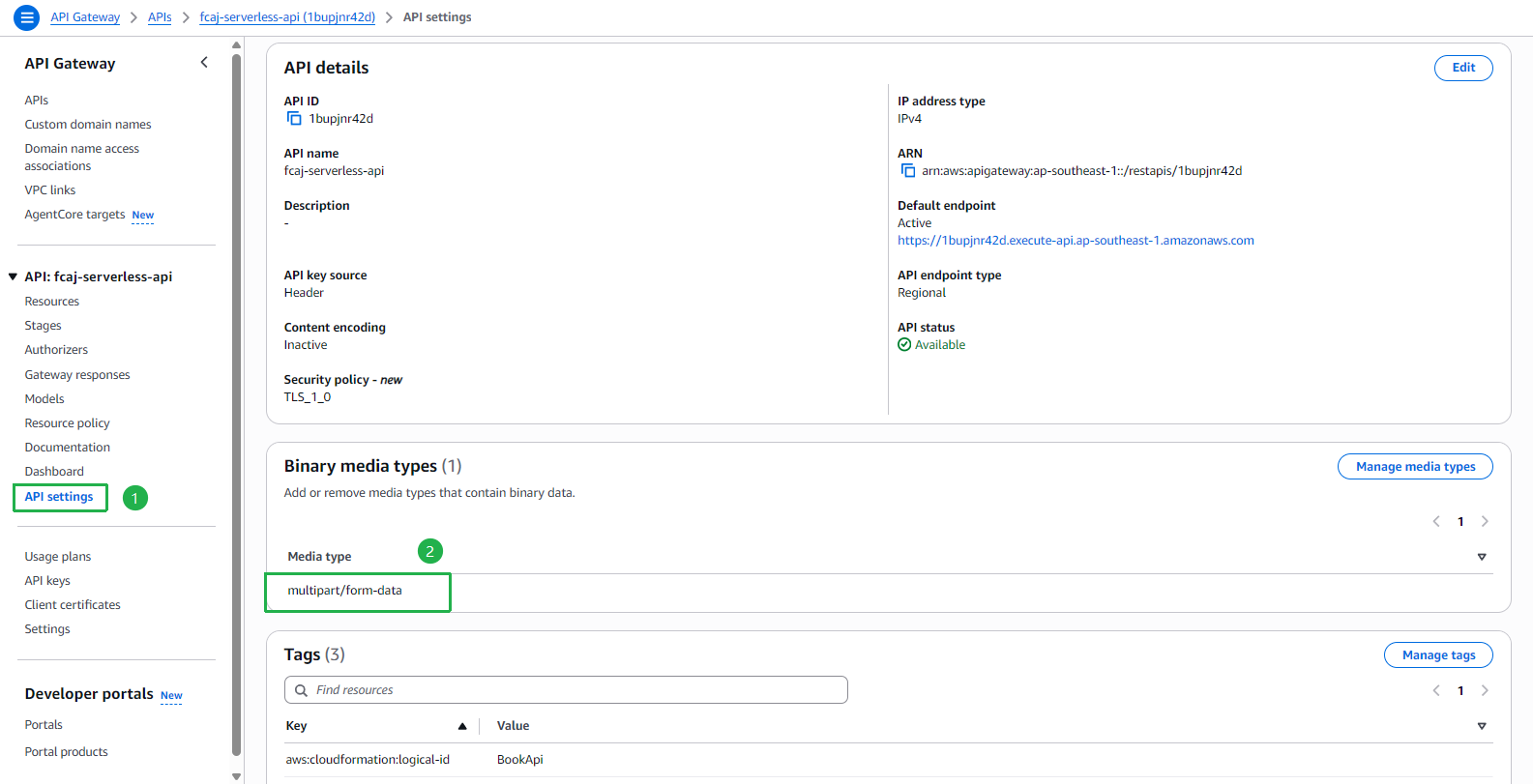
Click API settings in the left sidebar.
- Under Binary media types, confirm that
multipart/form-datais listed. This is required for image file uploads via the POST API.
- Under Binary media types, confirm that
The preparation steps are complete. The API skeleton (/books and /books/{id} resources) is now deployed. In the next sections, we will attach GET, POST, and DELETE methods to these resources.