Tạo DELETE API
Trong bước này, chúng ta sẽ thêm phương thức DELETE để cho phép frontend xóa sách theo ID thông qua hàm Lambda book_delete.
Endpoint DELETE sử dụng path parameter (/books/{id}), đã được định nghĩa bởi resource BookDeleteApiResource. Giống như bước POST trước, việc thêm method mới yêu cầu tạo lại API deployment theo hai giai đoạn.
Chúng ta cũng thêm resource BookApiDeleteOptions (MOCK integration) để hỗ trợ preflight CORS request từ trình duyệt cho endpoint này.
Giai đoạn 1 — Xóa Deployment cũ
Mở tệp template.yaml trong thư mục fcaj-book-shop.
Comment out khối
BookApiDeploymentvà dòngDeploymentIdtrongBookApiStage:# BookApiDeployment: # Type: AWS::ApiGateway::Deployment # Properties: # RestApiId: !Ref BookApi # DependsOn: # - BookApiGet # - BookApiCreate BookApiStage: Type: AWS::ApiGateway::Stage Properties: RestApiId: !Ref BookApi StageName: !Ref stage # DeploymentId: !Ref BookApiDeployment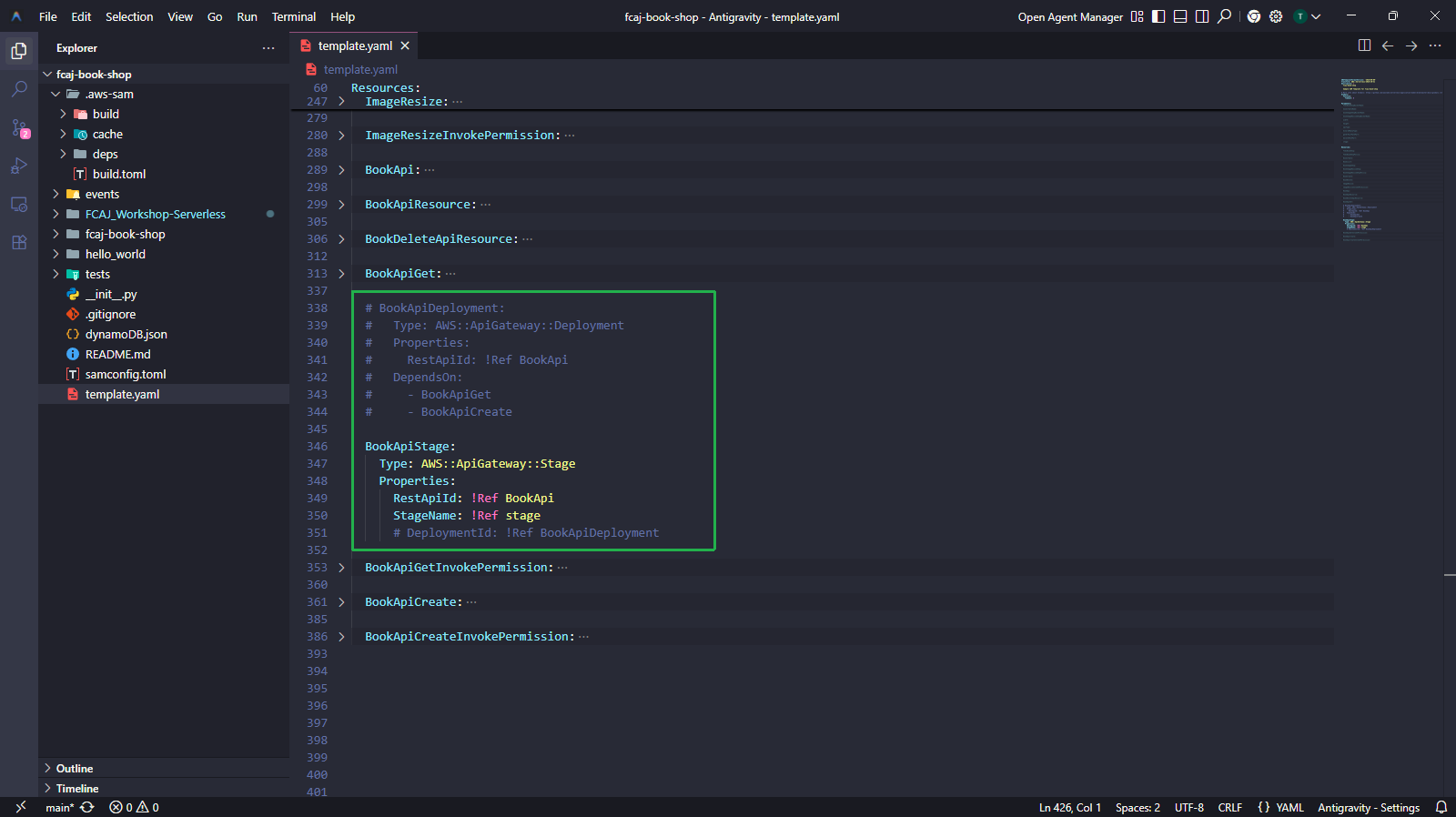
Chạy các lệnh để validate, build và deploy:
sam validate
sam build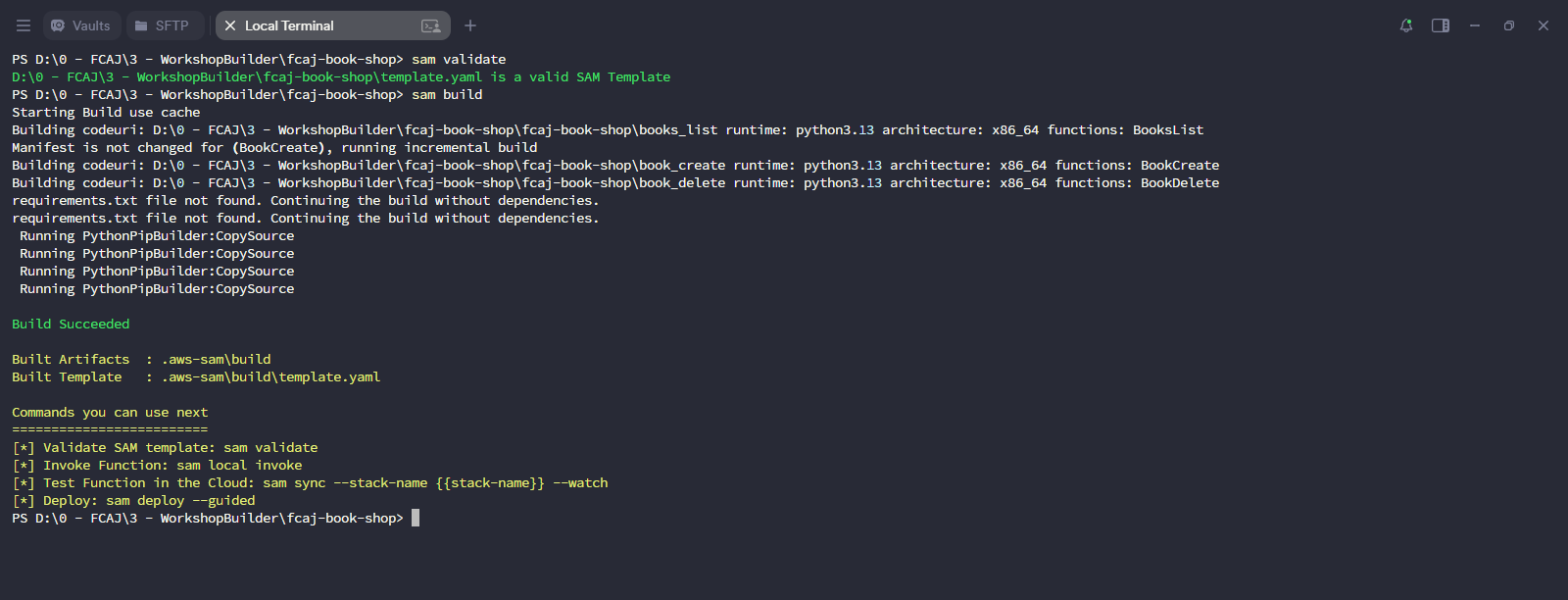
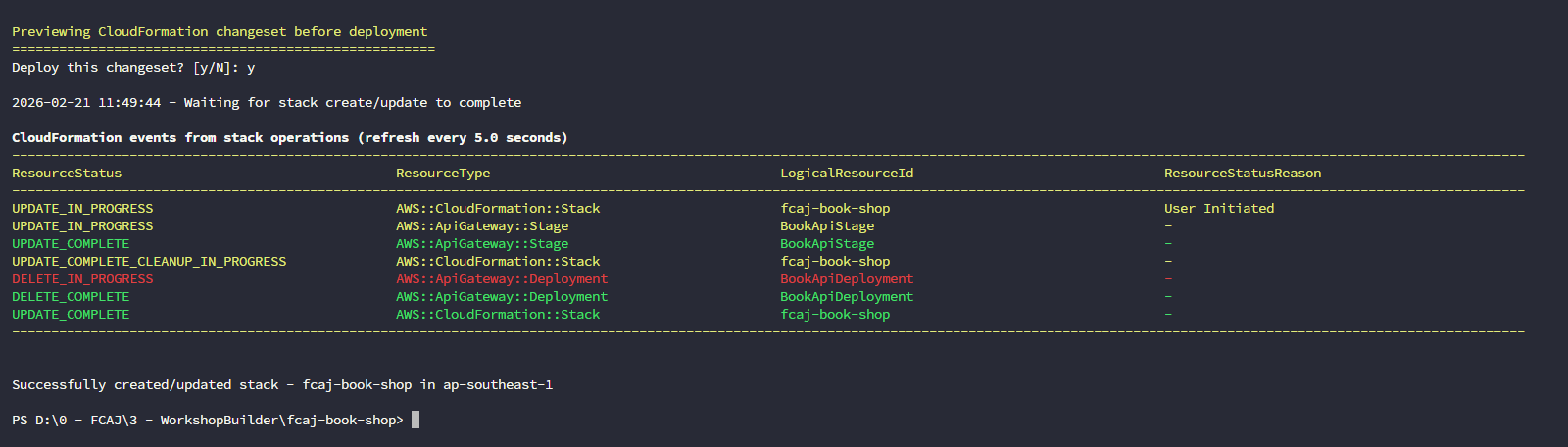
sam deployChangeset hiển thị:
- Modify
BookApiStage - Delete
BookApiDeployment
Nhập
yđể xác nhận.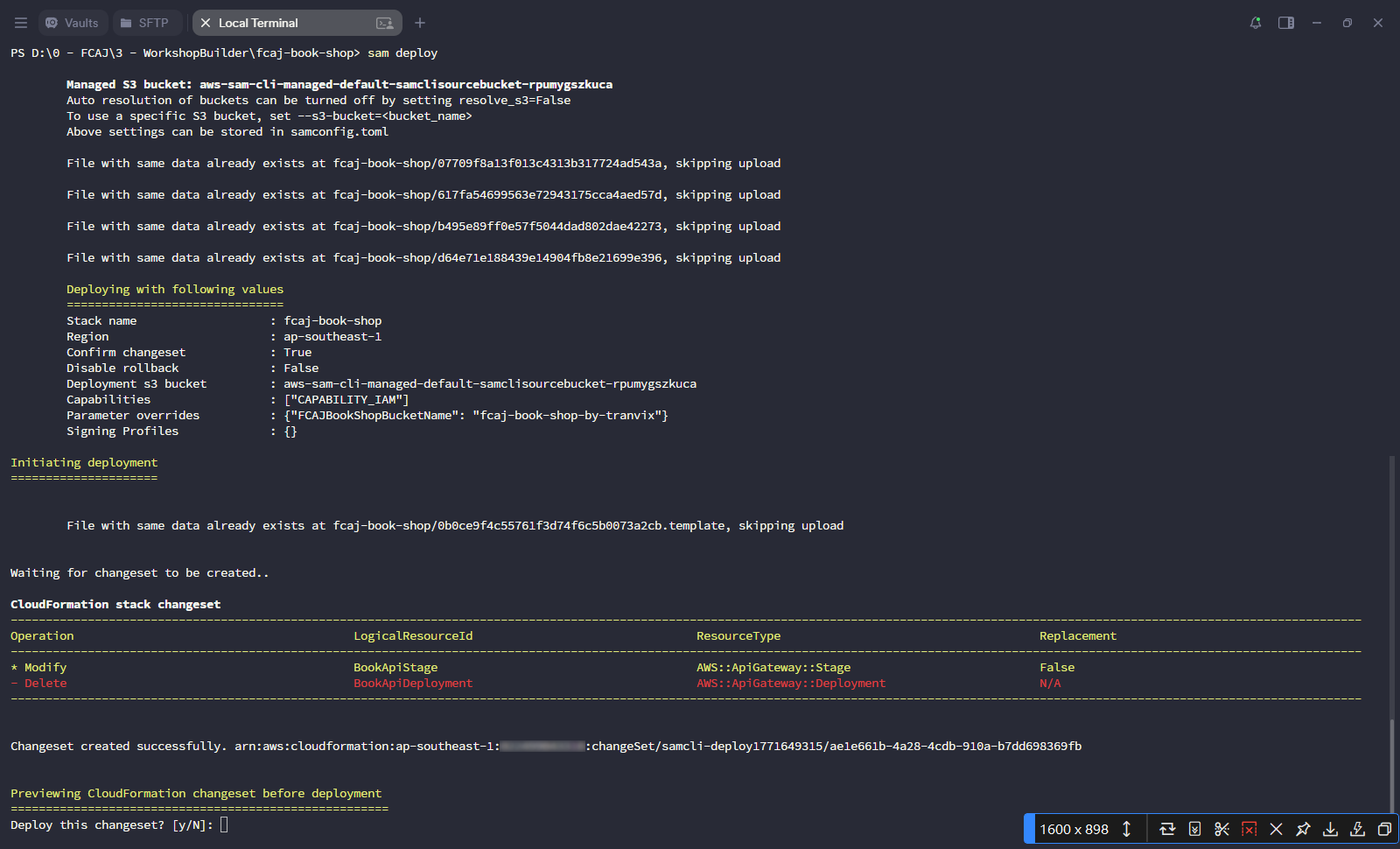
- Modify
Chờ quá trình triển khai hoàn tất.
Giai đoạn 2 — Thêm DELETE Method và Deploy lại
Thêm resource BookApiDelete. Lưu ý rằng
ResourceIdtham chiếu đếnBookDeleteApiResource(đường dẫn/{id}), không phảiBookApiResource:BookApiDelete: Type: AWS::ApiGateway::Method Properties: HttpMethod: DELETE RestApiId: !Ref BookApi ResourceId: !Ref BookDeleteApiResource AuthorizationType: NONE Integration: Type: AWS_PROXY IntegrationHttpMethod: POST # For Lambda integrations, you must set the integration method to POST Uri: !Sub >- arn:aws:apigateway:${AWS::Region}:lambda:path/2015-03-31/functions/${BookDelete.Arn}/invocations MethodResponses: - StatusCode: "200" ResponseParameters: method.response.header.Access-Control-Allow-Origin: true method.response.header.Access-Control-Allow-Methods: true method.response.header.Access-Control-Allow-Headers: true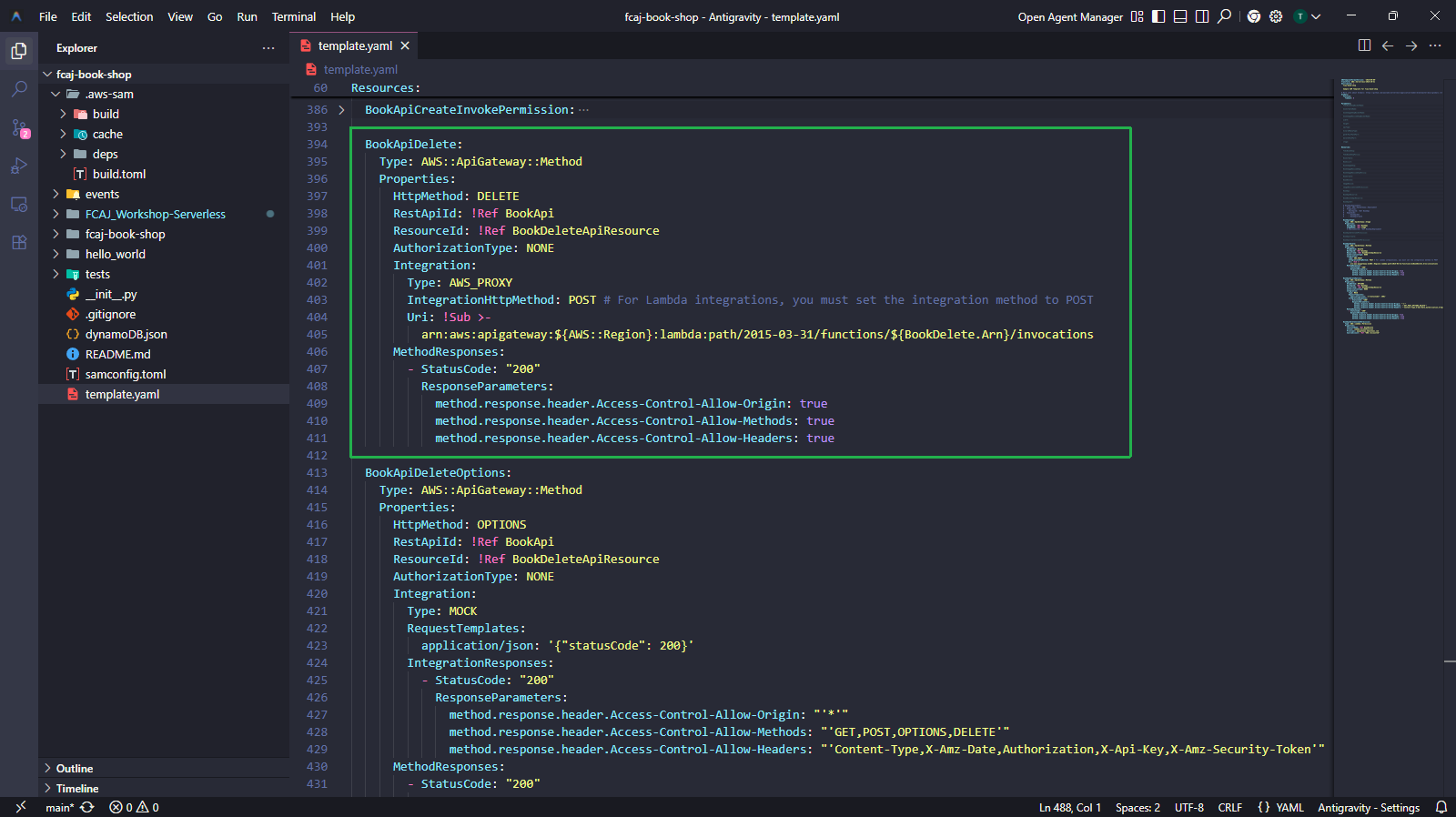
Thêm BookApiDeleteOptions (MOCK integration cho CORS preflight) và BookApiDeleteInvokePermission:
BookApiDeleteOptions:
  Type: AWS::ApiGateway::Method
  Properties:
    HttpMethod: OPTIONS
    RestApiId: !Ref BookApi
    ResourceId: !Ref BookDeleteApiResource
    AuthorizationType: NONE
    Integration:
      Type: MOCK
      RequestTemplates:
        application/json: '{"statusCode": 200}'
      IntegrationResponses:
        - StatusCode: "200"
          ResponseParameters:
            method.response.header.Access-Control-Allow-Origin: "'*'"
            method.response.header.Access-Control-Allow-Methods: "'GET,POST,OPTIONS,DELETE'"
            method.response.header.Access-Control-Allow-Headers: "'Content-Type,X-Amz-Date,Authorization,X-Api-Key,X-Amz-Security-Token'"
    MethodResponses:
      - StatusCode: "200"
        ResponseParameters:
          method.response.header.Access-Control-Allow-Origin: true
          method.response.header.Access-Control-Allow-Methods: true
          method.response.header.Access-Control-Allow-Headers: true

BookApiDeleteInvokePermission:
  Type: AWS::Lambda::Permission
  Properties:
    FunctionName: !Ref BookDelete
    Action: lambda:InvokeFunction
    Principal: apigateway.amazonaws.com
    SourceAccount: !Ref "AWS::AccountId"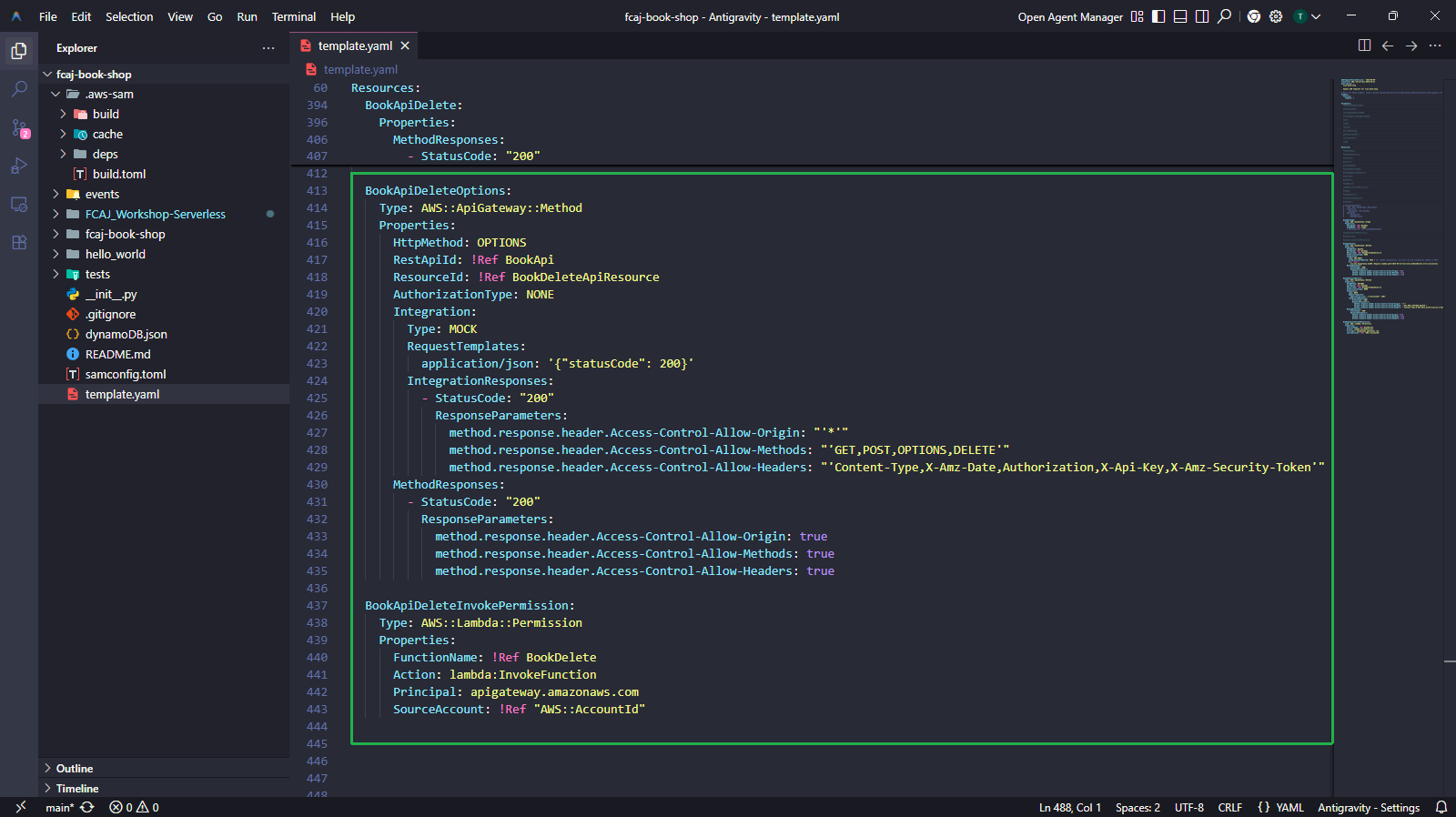
Tại sao cần thêm method OPTIONS?: Trình duyệt gửi preflight OPTIONS request trước khi thực hiện DELETE request từ origin khác (chính sách CORS). Nếu không có MOCK integration này, trình duyệt sẽ chặn lệnh gọi DELETE ngay trước khi đến Lambda. BookApiDeleteOptions cung cấp phản hồi tĩnh cho phép trình duyệt tiếp tục.
Bỏ comment khối
BookApiDeploymentvàDeploymentId. Cập nhậtDependsOnđể bao gồm cả ba method —BookApiGet,BookApiCreate, vàBookApiDelete:BookApiDeployment: Type: AWS::ApiGateway::Deployment Properties: RestApiId: !Ref BookApi DependsOn: - BookApiGet - BookApiCreate - BookApiDelete BookApiStage: Type: AWS::ApiGateway::Stage Properties: RestApiId: !Ref BookApi StageName: !Ref stage DeploymentId: !Ref BookApiDeployment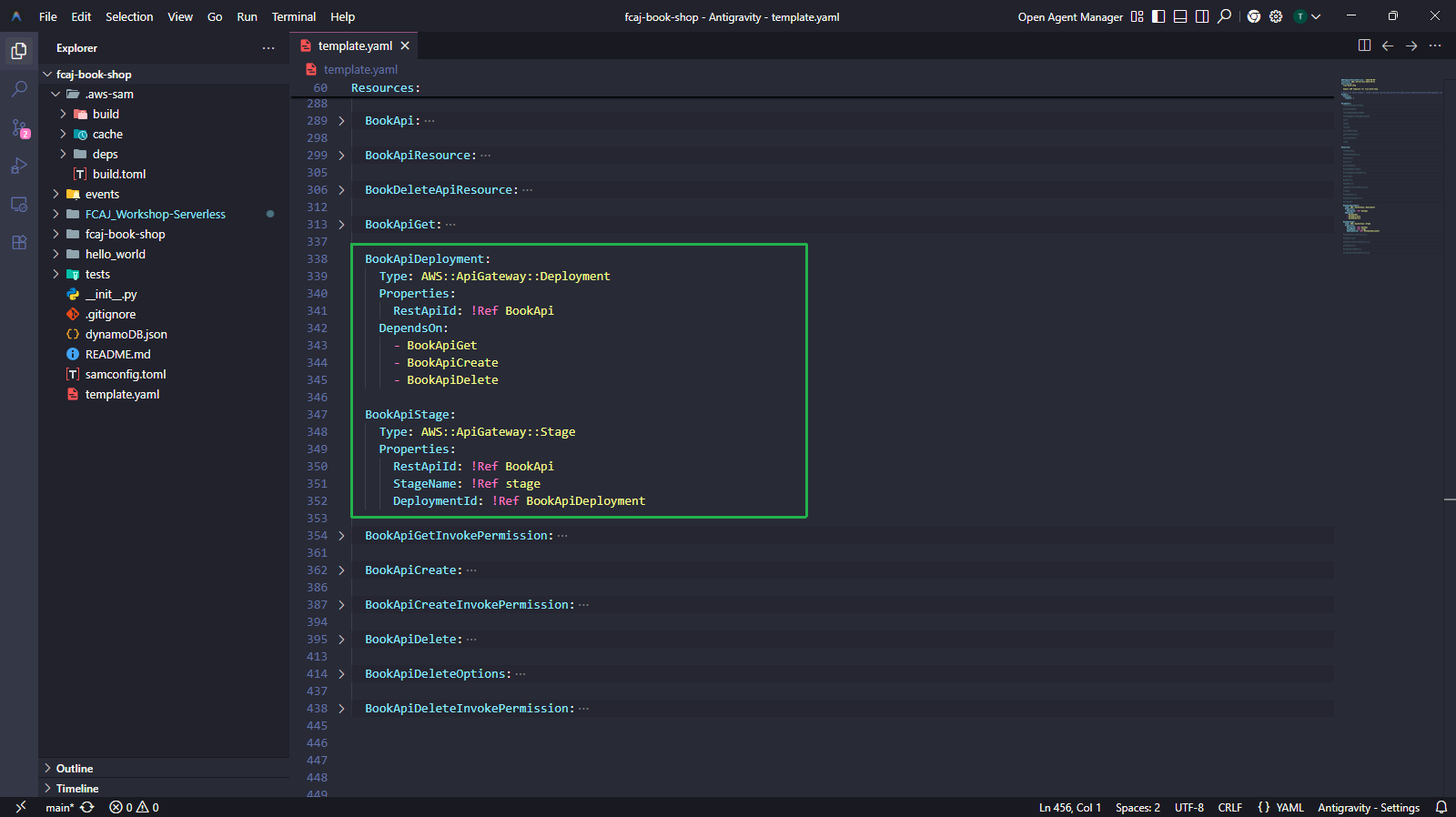
Chạy lại các lệnh để build và deploy:
sam validate
sam build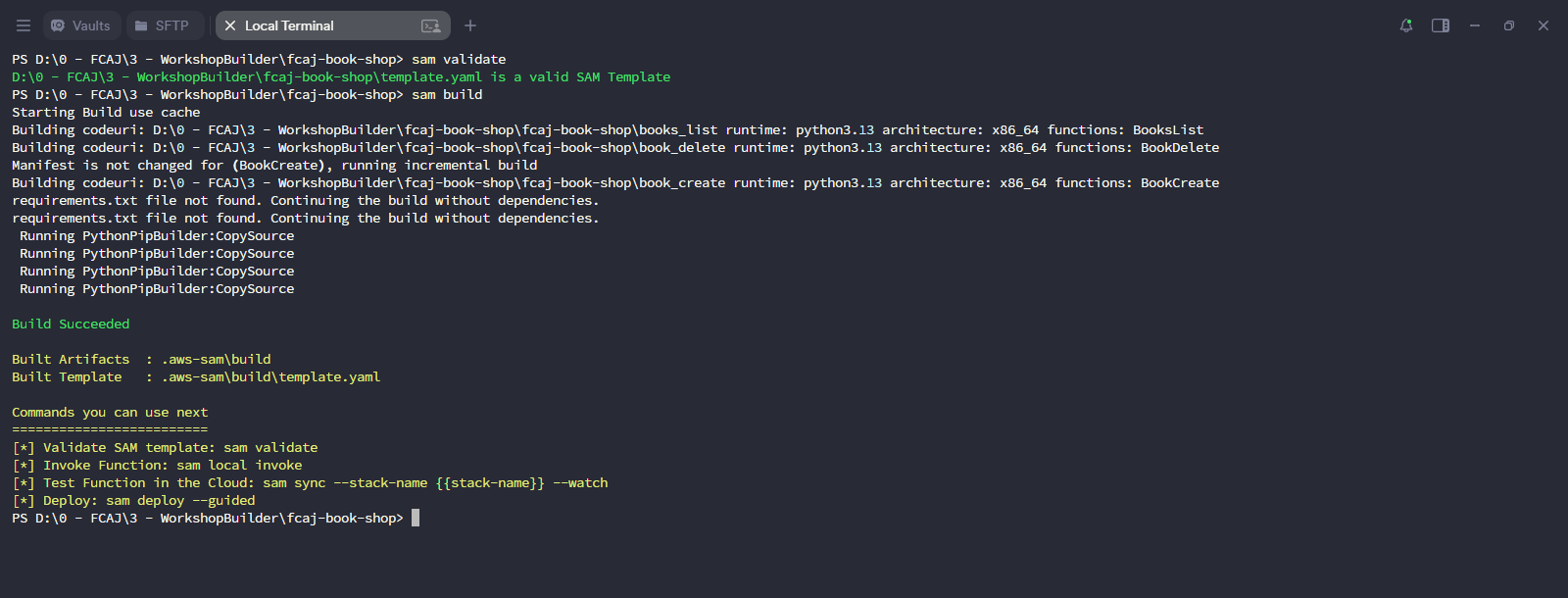
sam deployChangeset hiển thị các tài nguyên mới:
- Add
BookApiDelete(AWS::ApiGateway::Method) - Add
BookApiDeleteOptions(AWS::ApiGateway::Method) - Add
BookApiDeployment(AWS::ApiGateway::Deployment) - Add
BookApiDeleteInvokePermission(AWS::Lambda::Permission) - Modify
BookApiStage(AWS::ApiGateway::Stage)
Nhập
yđể xác nhận.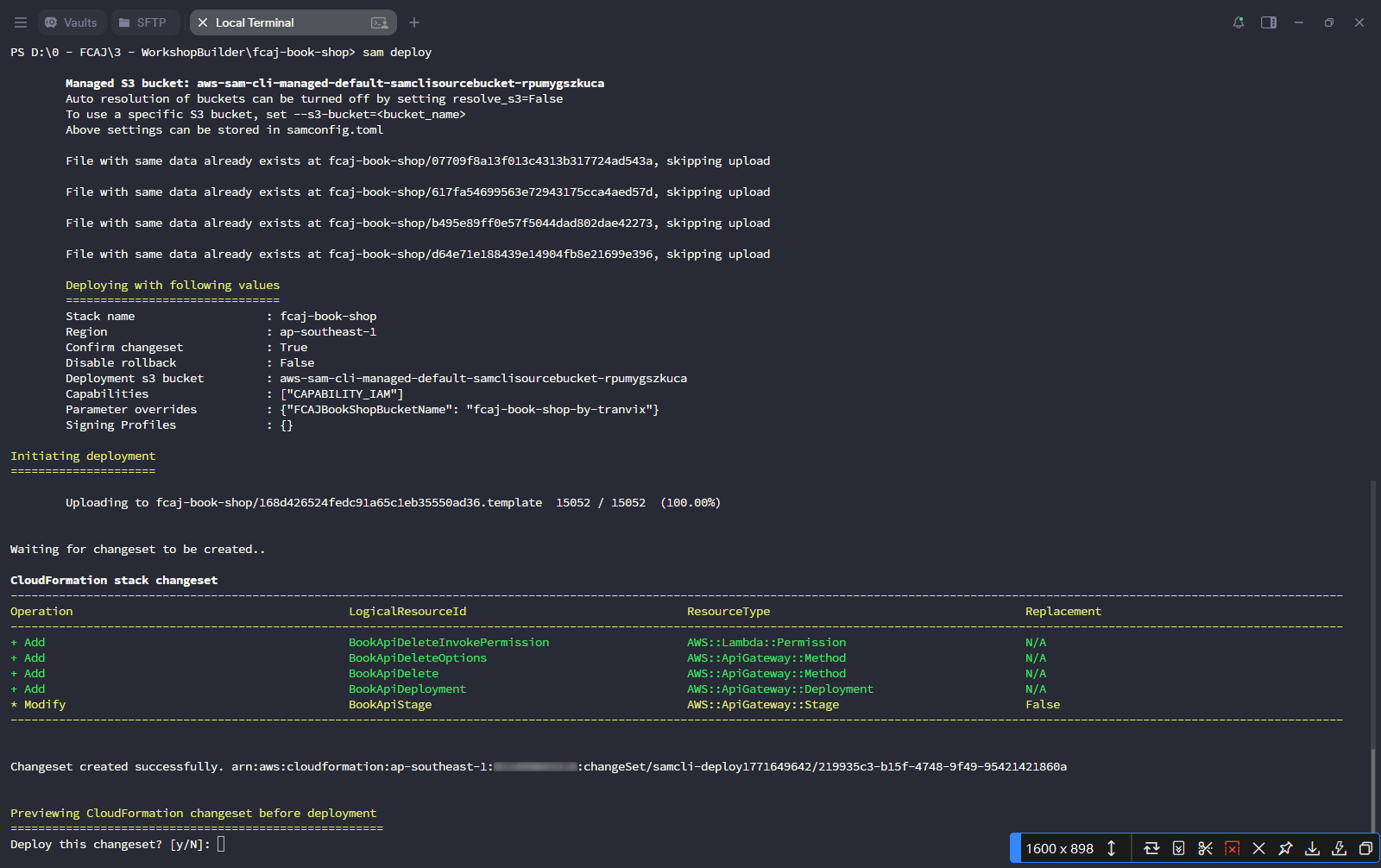
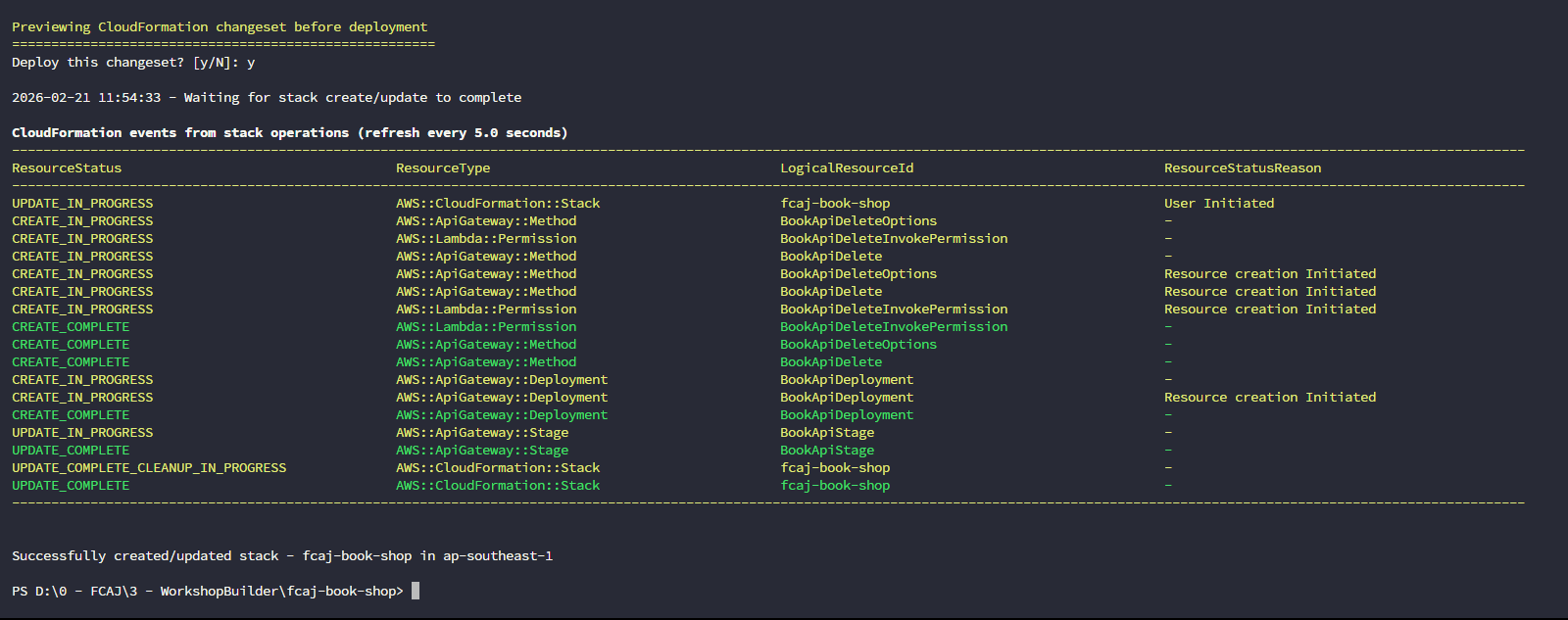
- Add
Chờ quá trình triển khai hoàn tất. Bạn sẽ thấy Successfully created/updated stack - fcaj-book-shop in ap-southeast-1.
Kiểm tra trên AWS Console
Mở AWS API Gateway console. Nhấp vào fcaj-serverless-api REST API.
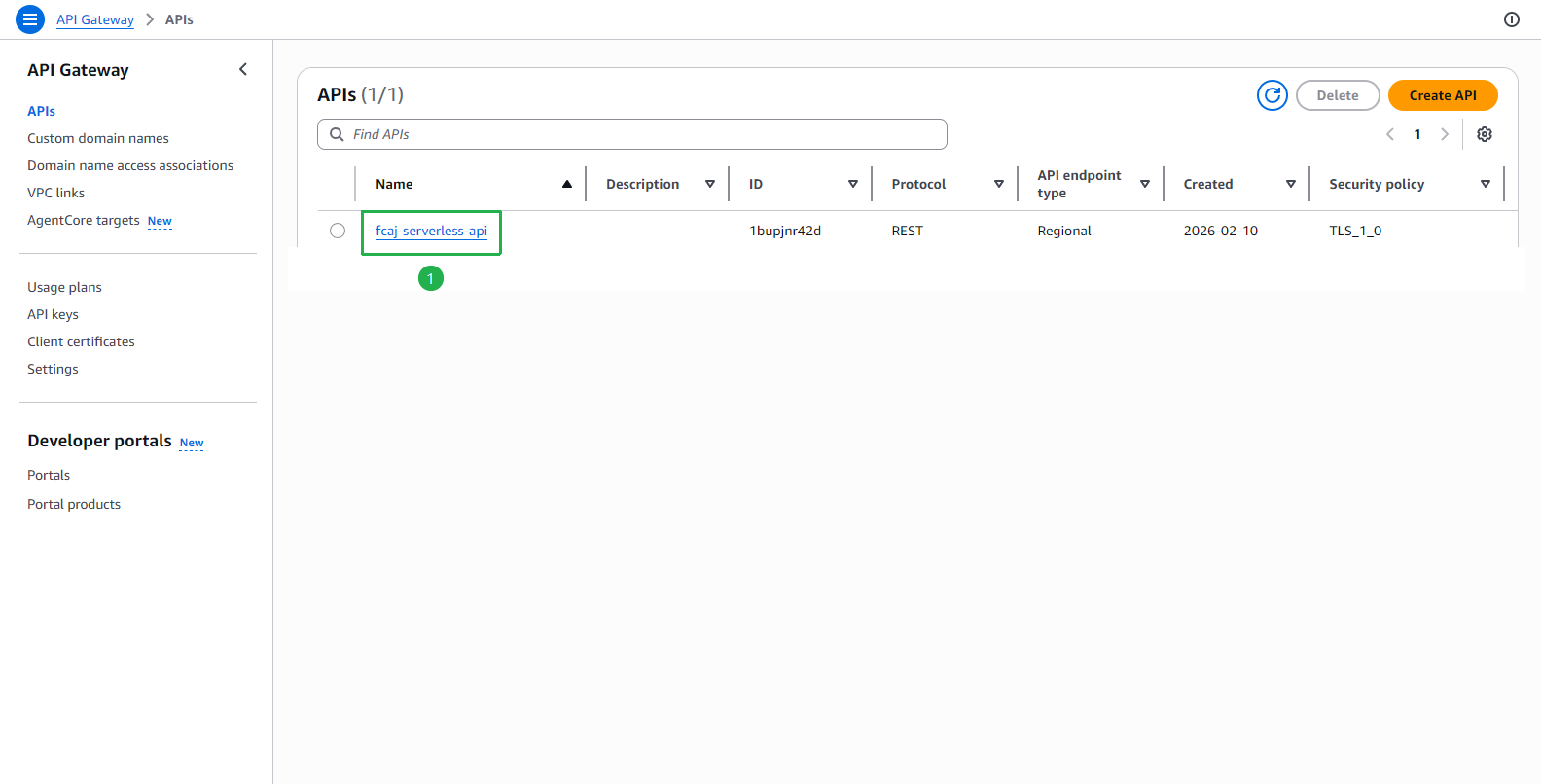
Tại trang fcaj-serverless-api:
- Nhấp vào Resources trong menu bên trái.
- Mở rộng
/books→/{id}→ chọn DELETE. - Nhấp vào tooltip Lambda integration — xác nhận hàm được tích hợp là book_delete.
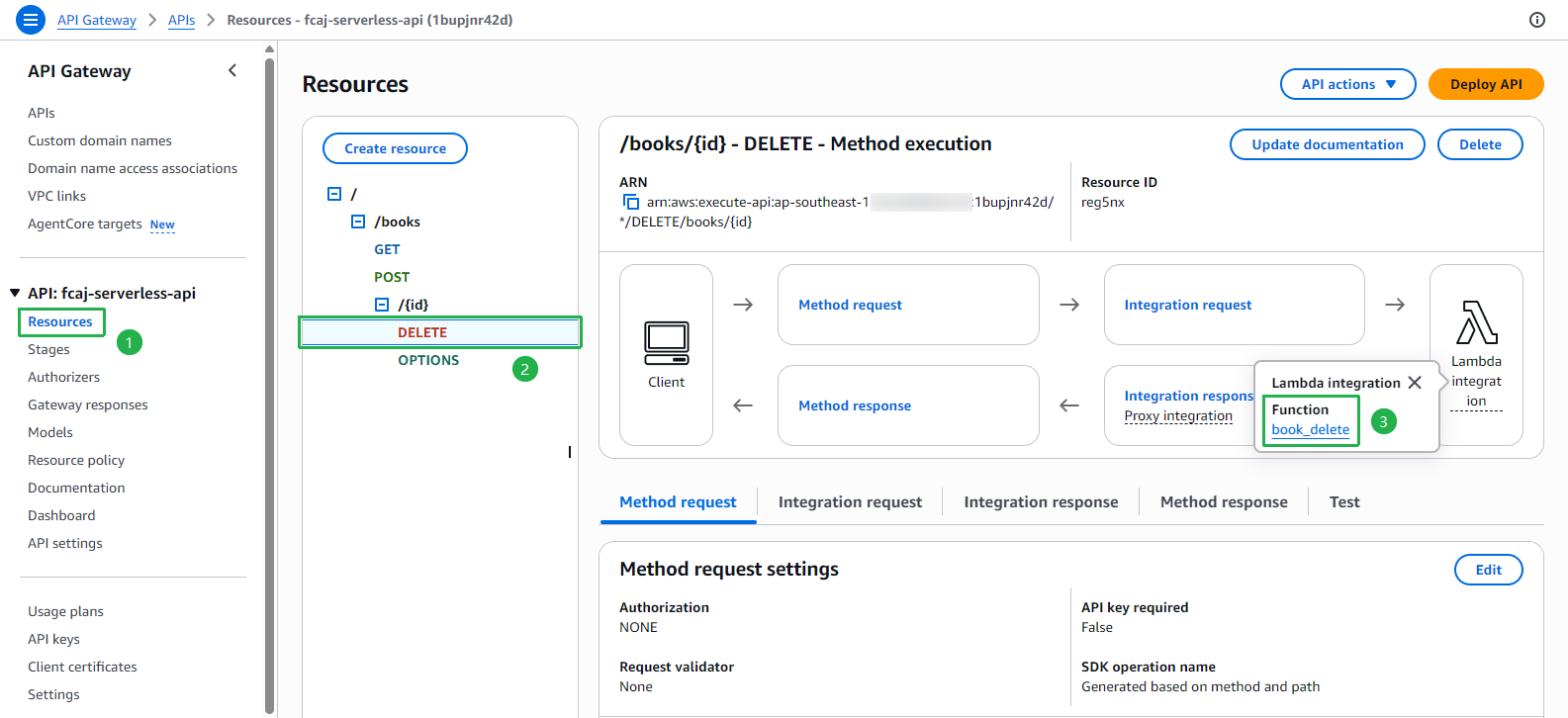
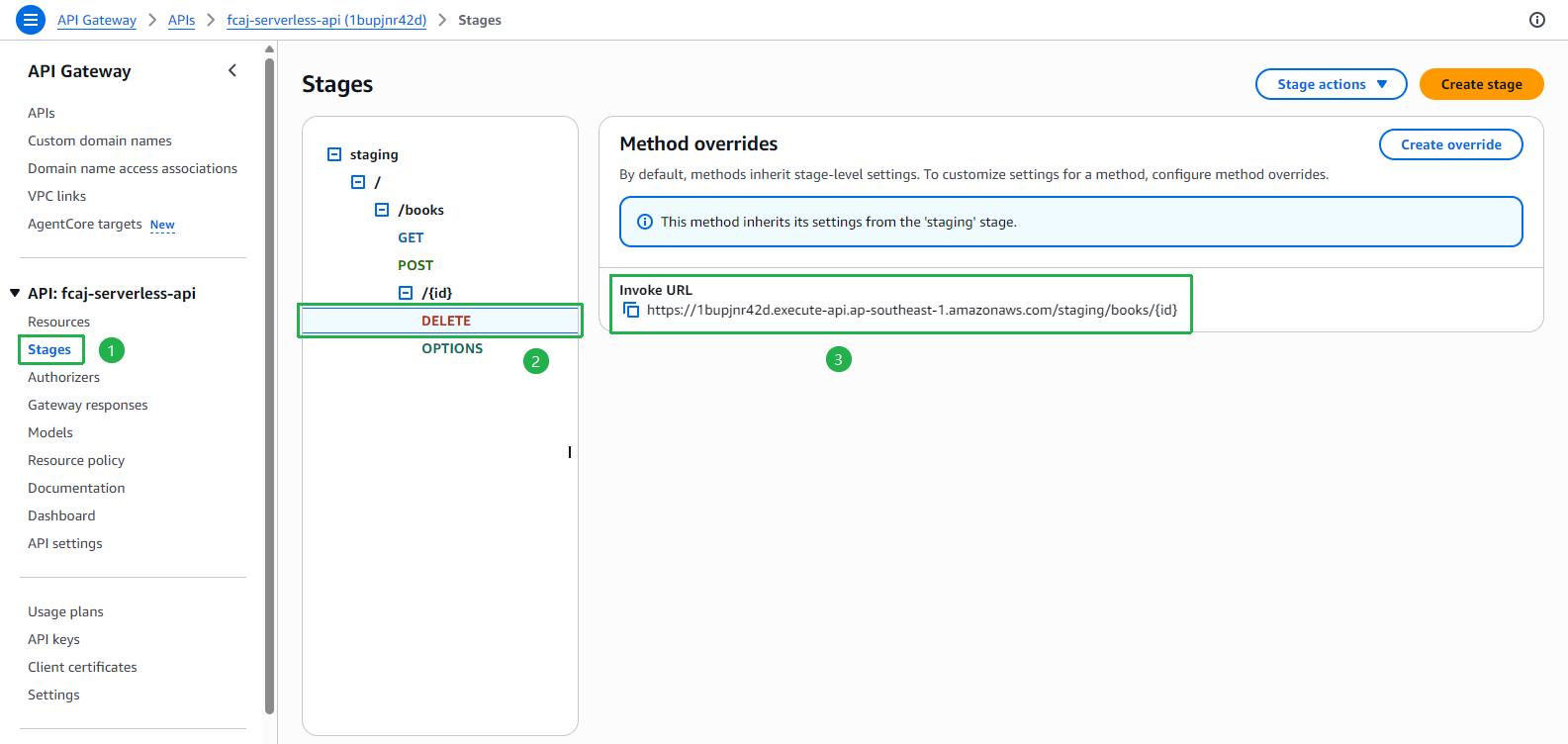
Nhấp vào Stages trong menu bên trái.
- Mở rộng staging → /books → /{id} → chọn DELETE.
- Sao chép và lưu lại Invoke URL.
Ví dụ:
https://1bupjnr42d.execute-api.ap-southeast-1.amazonaws.com/staging/books/{id}